

The Best AI UX Research Will Start With Behaviour, Not Prompts
AI UX research becomes more useful when it starts from real user behavior, intended journeys, and friction patterns rather than isolated interface prompts.
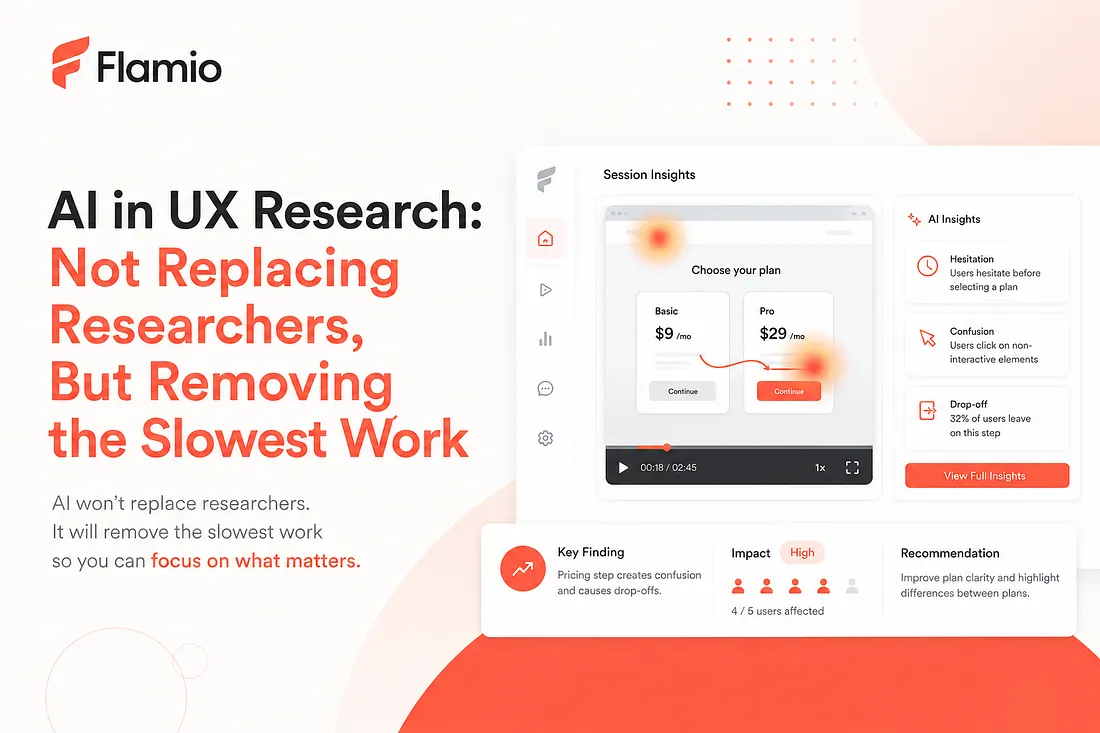
AI can review a screen, read a product brief, and produce a convincing list of UX recommendations within seconds. The output often sounds reasonable. Simplify the navigation. Clarify the call to action. Reduce cognitive load. Make the hierarchy more obvious. The problem is that all of those suggestions can be correct while still missing the actual problem. A checkout button may look too subtle, yet users find it without difficulty. A navigation structure may seem complex, yet experienced customers move through it confidently. A clean onboarding flow may pass every interface review while real users repeatedly hesitate at a single field. An interface cannot be understood from its appearance alone. It has to be understood through the behaviour it creates. This is where much of the current conversation around AI UX research starts from the wrong place. We focus on how well an AI can describe an interface, critique a mockup, or respond to a prompt. The more important question is whether it can understand what happens when a person actually tries to use the product.
Prompt-based advice misses user reality
A prompt gives an AI a compressed version of reality. A team might describe its audience, business model, product goals, and intended journey. It might upload screenshots or explain that a page is designed to move users from account creation to activation. That information is useful, but incomplete. The model sees the product as it has been described. It does not automatically see the gap between the intended experience and the experience users actually have. Consider a SaaS onboarding flow. The team explains that users should create an account, connect a data source, configure their first workspace, and invite a teammate. An AI reviewing the flow may identify unclear copy or inconsistent visual hierarchy. But it cannot know, from the design alone, that users repeatedly return to the previous step after connecting a data source. It cannot know that people pause before selecting a workspace type, click an informational icon several times, or abandon the process after receiving an unexpected permission request. Those are not just interface details. They are behavioural signals. Without those signals, the AI is evaluating the product's presentation. It is not yet understanding the user experience.
Users rarely struggle in ways teams predict
Product teams usually have a theory about how a flow works. Designers understand the hierarchy because they created it. Product managers know what each option means. Founders know which action matters most. Engineers understand the system logic behind every state. Users arrive without that context. They may interpret a label differently, expect a button in another location, hesitate because the next step feels risky, or choose a route the team considered secondary. Sometimes they complete the task successfully but expend far more effort than the interface suggests. This is why behaviour data matters. Clicks, repeated actions, navigation changes, pauses, dead ends, abandonment, and unexpected paths reveal where the product model and the user's mental model stop matching. A prompt can describe the expected journey. Behaviour shows whether that journey survives contact with real users. The distinction matters because good UX analysis is not simply the detection of imperfections. It is the interpretation of meaningful friction. A user taking an alternative route is not necessarily a problem. A pause is not always confusion. Repeated clicks may indicate broken feedback, impatience, uncertainty, or simply a slow response. The signal becomes useful only when it is understood in the context of the task and the intended flow.
AI needs a behavioural frame of reference
The strongest UX AI systems will need more than visual understanding and language generation. They will need a frame of reference for interpreting user actions. That frame has at least three parts. First, the system needs to understand the intended journey. What is the user trying to accomplish? Which steps are expected? Where are alternative routes valid? Second, it needs interaction evidence. What did users click, skip, repeat, revisit, or abandon? Third, it needs context. Is this a checkout, a search flow, an onboarding process, or a configuration task? The same behaviour can mean different things in each case. For example, moving backward during checkout may signal uncertainty or missing information. Moving backward during product exploration may be completely normal. Hesitation before confirming a payment is different from hesitation before opening a help article. An AI system that ignores this context risks producing confident but generic conclusions. A system grounded in behaviour can ask a more useful set of questions: where does actual behaviour depart from the intended journey? Does the same deviation appear across multiple sessions? Is the user exploring, or are they stuck? What happened immediately before abandonment? Which friction points prevent task completion, and which merely create minor inconvenience? This is the difference between generating UX commentary and building user understanding.
Behaviour changes the role of AI in research
Prompt-based AI is often treated as an expert that produces answers. Behaviour-based AI is more useful as an interpretation layer. Its job is not to replace observation with generated advice. Its job is to make observation easier to process. That means turning many small interaction signals into structured findings. It means helping a product team separate isolated events from recurring patterns. It means connecting a visible action to the task, flow, and likely source of friction. The result should not be another dashboard filled with behavioural data. Teams already struggle with recordings, charts, click maps, and funnels that require extensive manual interpretation. The valuable output is a decision-ready explanation: users are hesitating here. This behaviour appears across several sessions. It disrupts a critical step in the intended journey. This is the likely reason. This is what the team should investigate or change. AI UX research becomes strategically important when it shortens the distance between raw behaviour and product action.
Adaptive UX also has to start with evidence
The same principle applies to adaptive UX. There is growing interest in interfaces that can generate layouts, rewrite copy, rearrange components, or personalize flows. But an interface should not adapt simply because a model can generate another version. It should adapt because there is evidence that the current experience does not match the user's needs. Without behavioural evidence, adaptive UI risks becoming continuous guesswork. The system changes the interface based on assumptions, then produces more variations without a reliable way to understand whether those changes helped. Behaviour creates the feedback loop. The interface observes how people move through a task. The system identifies recurring friction. A change is proposed or applied. The resulting behaviour is evaluated again. That is a much stronger foundation for adaptive UX than prompt-only generation. It ties interface changes to human response rather than model preference.
Where Flamio fits into this direction
Flamio is being built around the idea that the future of UX intelligence begins with real human-interface interaction. Flamio Vision uses a Happy Path, the intended journey through a flow such as onboarding, checkout, or search, as the reference point for analysis. Real user behaviour is compared with that journey across behavioural and semantic layers, helping identify where people hesitate, click incorrectly, take unexpected routes, or drop off. The goal is to turn those signals into structured findings such as friction points, severity, root causes, and actionable recommendations. This positioning is deliberately different from a traditional analytics dashboard or session replay platform. The product direction is not simply to collect more interaction data. It is to build an intelligence layer between digital interfaces and human behaviour, one that helps teams understand what went wrong, why it matters, and what should be improved next. The broader vision develops through connected product layers. Flamio Vision establishes the behavioural understanding layer through structured testing. Flamio OnLive extends that intelligence into production environments, where recurring friction and behavioural patterns can be detected continuously. FlamiAI represents the longer-term direction: adaptive interfaces informed by accumulated human interaction data rather than generated from prompts alone. The important idea is not the sequence of product names. It is the data relationship between them. Testing creates behavioural evidence. Live monitoring expands that evidence. Adaptive interfaces can eventually learn from it. Each stage becomes more useful because the previous stage is grounded in what users actually did.
AI should earn the right to change the interface
AI will become increasingly capable of reviewing, generating, and modifying digital products. That capability alone will not make it good at UX. A system can produce an interface without understanding the person using it. It can write plausible advice without knowing whether the identified issue affects anyone. It can generate endless alternatives without learning which experience works. The foundation has to be behaviour. Prompts can explain what a team intended. Screens can show what the team designed. Behaviour reveals what the product became in the hands of a user. The strongest AI UX research tools will connect all three, but they should start with the last one. Before AI tells teams how to redesign an interface, it should first learn how people are trying to use it.
Takeaway
The strongest AI UX research tools should not begin with prompt-only advice. They should begin with real behaviour, learn how people are trying to use the product, and only then suggest what should change.
More Flamio notes
The End of Watching Session Replays by Hand
Session replay gave teams visibility, but the next product advantage is finding the moments that deserve attention without watching hours of playback.
Founder notesBefore You Hire a UX Researcher, Test One Flow
Early teams can learn a surprising amount by testing one critical flow before building a large research process or hiring a dedicated researcher.
ResearchA Small UX Test Beats a Big Internal Debate
Short user tests help product teams replace opinion loops with real evidence from the people trying to use the product.